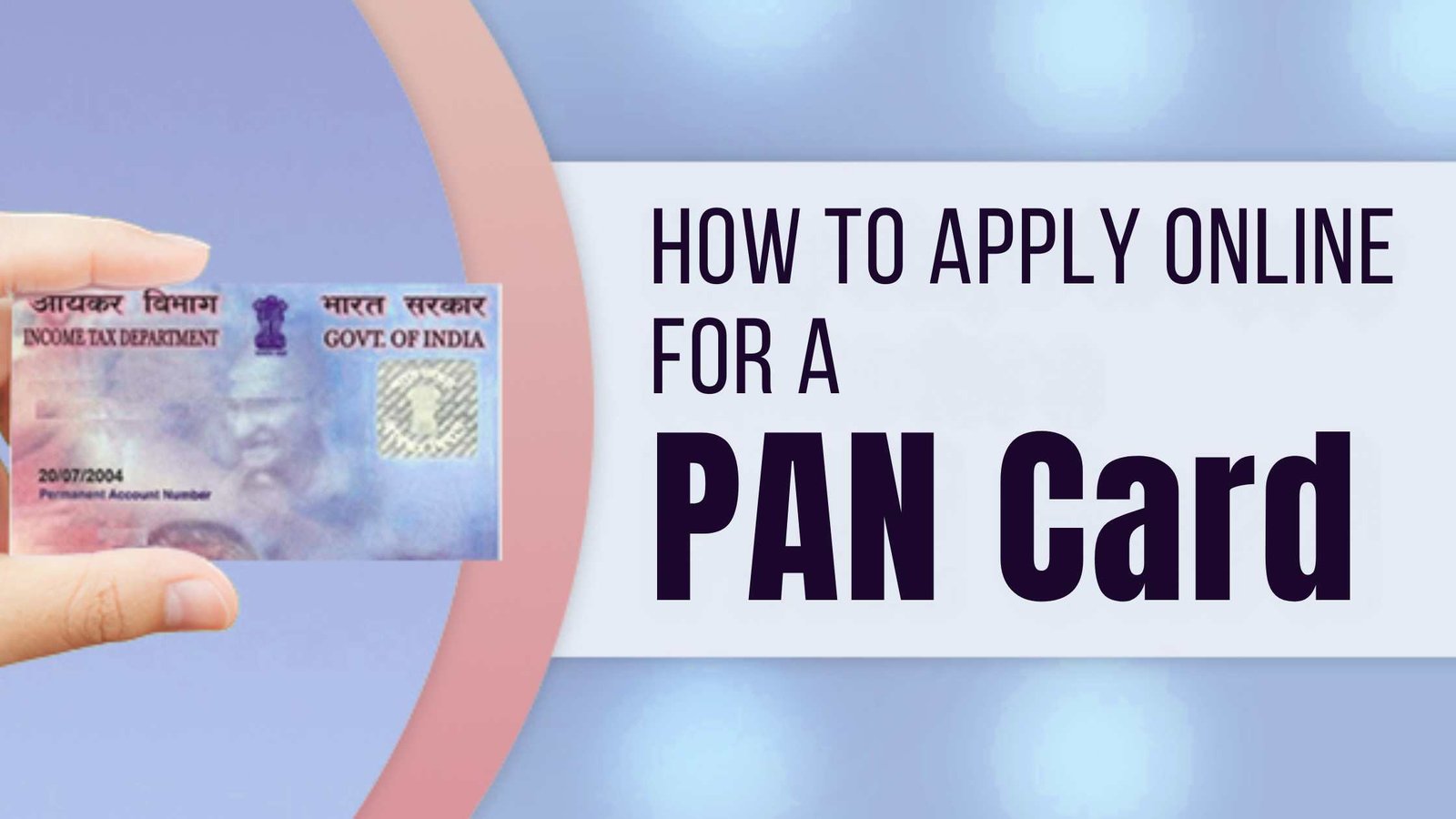
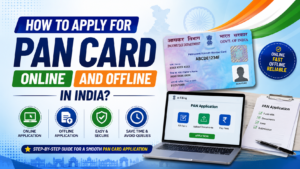
Want to apply for a new PAN card without visiting a government office? You can apply online through the Income Tax Department or an authorised PAN service provider. Depending on your eligibility and the application method, you can obtain a digital e-PAN or request a physical PAN card.
A PAN (Permanent Account Number) is a unique 10-character alphanumeric identification number issued by the Income Tax Department. It is used for income tax matters and various financial transactions.
Before applying, choose the method that suits your needs. If you have never been allotted a PAN and meet the eligibility conditions, you may be able to get a free e-PAN using Aadhaar. If you need a physical card or are not eligible for Instant e-PAN, use an authorised PAN application service.
Advertisements
How to Apply for PAN Card Online
There are two main ways to apply for a new PAN card.
Method 1: Apply for Free Instant e-PAN
The Instant e-PAN facility is available to eligible individuals who have not already been allotted a PAN.
Complete the OTP verification using the mobile number linked to your Aadhaar.
Follow the instructions for consent and verification.
Submit your request and save the acknowledgement number.
After submitting the application, you can return to the Instant e-PAN section to check the request status. Once your e-PAN has been generated, use the available download option to obtain the digitally signed PDF.
Important: Instant e-PAN is free, but it is not available to everyone. Applicants who already have a PAN, minors and certain other categories are not eligible. The service requires valid Aadhaar and an Aadhaar-linked mobile number, along with the other prescribed conditions.
Advertisements
Method 2: Apply for a PAN Card Through Protean or UTIITSL
If you want to request a physical PAN card or do not qualify for Instant e-PAN, you can use an authorised PAN service provider.
Choose the applicant category and the applicable application form.
Enter your personal information, communication address and other requested details.
Provide the required identity, address and date-of-birth documents.
Complete the verification process and pay the applicable fee.
Submit the application and save the acknowledgement or reference number.
Follow the provider’s instructions for electronic verification or supporting-document submission. If you request a physical PAN card, check the delivery details and charges before completing the application.
Note: Revised PAN application forms took effect on April 1, 2026. Indian individual applicants should follow the current Form 93 process rather than relying on older Form 49A instructions. Other applicant categories use their respective prescribed forms.
Documents Required for PAN Card Apply
The documents required depend on the application method and applicant category.
You may need:
Aadhaar card or another accepted proof of identity
Proof of address
Proof of date of birth
A valid mobile number and email address, where required
Additional supporting documents for the applicable applicant category
For Instant e-PAN, eligible applicants generally need valid Aadhaar, an Aadhaar-linked mobile number and access to the required digital verification process.
For a regular application, check the current instructions on the authorised provider’s website. The documents must meet the requirements for the form you select.
What Is the Fee for a New PAN Card?
The cost depends on the application method, delivery address and whether you request a physical card.
Instant e-PAN: Free for eligible applicants.
Regular PAN application: A fee applies. The amount depends on the selected service and delivery option.
Check the amount shown on the official application portal before paying. Avoid paying unofficial agents or websites that claim to offer government PAN services.
How to Check PAN Card Application Status
After submitting your application, you can track its progress online.
Open the official website of the service provider you used.
Find the PAN application status or tracking option.
Enter the acknowledgement number, application reference number or other requested details.
Submit the information to view the latest status.
If you applied through Instant e-PAN, return to the Income Tax e-Filing portal and open the Instant e-PAN service to check your request or download the generated e-PAN.
Keep your acknowledgement number safe until the process is complete.
Can I Apply for a PAN Card If I Already Have One?
You should not apply for a second PAN simply because your existing card is lost or damaged. Instead, use the appropriate reprint or replacement service.
If your name, date of birth or other details are incorrect, follow the official correction process. A person should not hold more than one PAN.
Is an e-PAN Valid?
Yes. An e-PAN issued by the Income Tax Department is a valid PAN document. It is digitally signed and can be downloaded electronically.
If an organisation asks for a physical card, check its specific requirements. You can apply through an authorised provider for a physical PAN card when eligible.
Frequently Asked Questions
Can I apply for a PAN card online for free?
Yes. Eligible applicants who have never been allotted a PAN can use the free Instant e-PAN service through the Income Tax Department’s e-Filing portal.
Can I apply for a PAN card using Aadhaar?
Eligible individuals can use Aadhaar for Instant e-PAN if they meet the service requirements, including having a linked mobile number. Other application methods may require additional documents.
How long does it take to get a PAN card?
Processing times vary depending on the application method, verification and whether additional documents are required. Check the official portal for updates rather than relying on a fixed delivery estimate.
Can minors apply for a PAN card?
Minors may be eligible for a PAN through the regular application process using the applicable procedure and representative details. However, minors cannot use the Instant e-PAN facility.
What should I do if my PAN application is rejected?
Review the rejection reason and the documents or details required. If necessary, submit a fresh application using the correct information and prescribed form, following the provider’s instructions.
Conclusion
Applying for a PAN card online is straightforward when you choose the correct application method. Eligible adults who do not already have a PAN can use the free Instant e-PAN facility. Applicants who need a physical card or do not qualify for Instant e-PAN can apply through Protean or UTIITSL.
Use only official government or authorised service-provider websites, verify your information before submission and keep your application reference number for tracking.