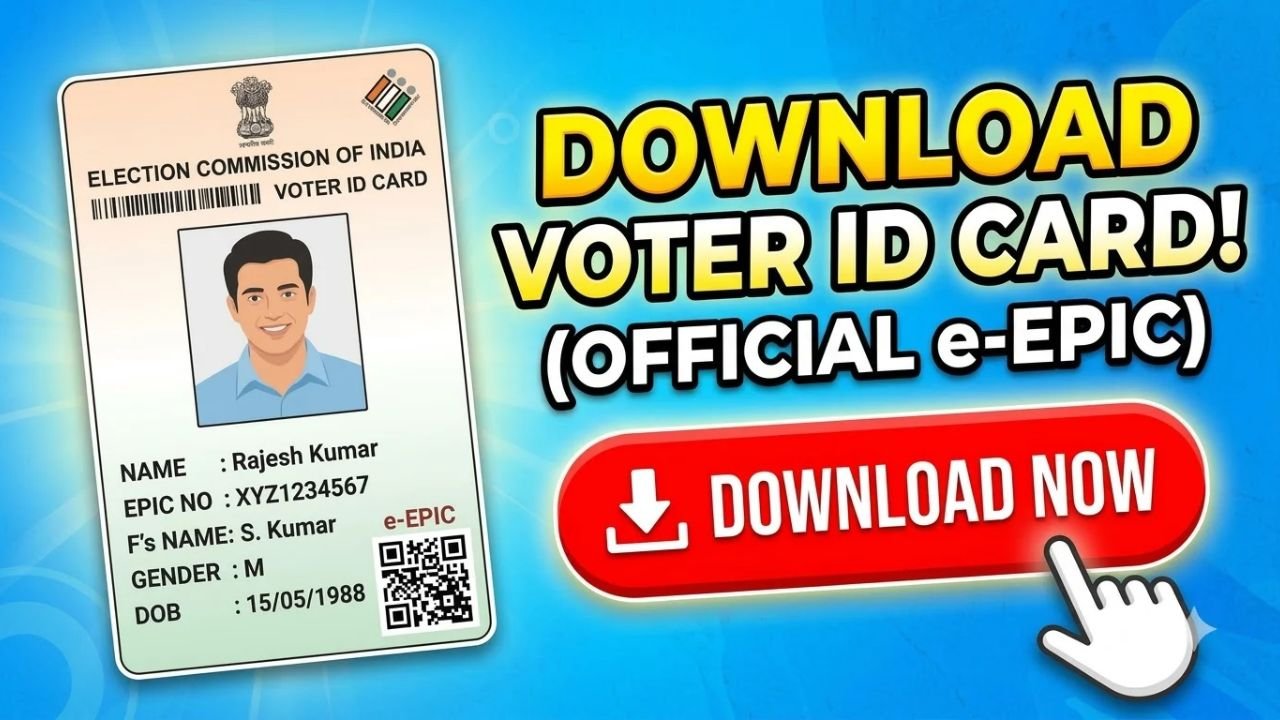
If you already have a voter registration and want to download a digital copy of your Voter ID Card, you can use the Election Commission of India’s online voter services.
The digital version of the Voter ID is called e-EPIC (Electronic Electoral Photo Identity Card). Registered voters can access the e-EPIC download service through the official Voters’ Services Portal.
How to Download Voter ID Online
Step 1: Visit the Official Voter Portal
Go to the official Voters’ Services Portal at voters.eci.gov.in.
The Election Commission currently lists E-EPIC Download among its voter services.
Step 2: Log In or Create an Account
Select the login option and enter your registered mobile number, email ID or EPIC number, depending on the options available on the portal.
If you do not already have an account, you can select Sign-Up and complete the registration process.
Step 3: Select E-EPIC Download
After logging in, look for E-EPIC Download in the available services.
The ECI portal provides the digital version of your Electoral Photo Identity Card through this service.
Step 4: Enter Your EPIC Details
Enter your EPIC number, which is the identification number printed on your physical Voter ID card.
Depending on the portal’s verification requirements, you may also need to provide other requested details or complete OTP verification.
Step 5: Download Your e-EPIC
After successful verification, follow the on-screen instructions to download your digital voter ID.
Save the e-EPIC PDF securely on your phone or computer. You can also print a copy for your records.
Can I Download Voter ID Without an EPIC Number?
The ECI has provided e-EPIC services that can also work using a reference number for certain applications. The Election Commission’s voter-service documentation states that users can download an electronic copy of the EPIC using an EPIC number or form reference number.
If you do not know your EPIC number, you can first use the official voter search facility to find your electoral information.
How to Check Your Name in the Voter List
Before trying to download your Voter ID, it is a good idea to check that your name appears in the electoral roll.
The Election Commission provides an online Search Your Name in Voter List service through its Voters’ Services Portal.
Remember that having a Voter ID card alone is not what determines your eligibility to vote. Your name must appear in the electoral roll.
Can I Download Voter ID on My Phone?
Yes. You can access the Voters’ Services Portal from a mobile browser and download your e-EPIC if you are eligible and successfully complete the required verification.
The Election Commission also provides voter services through its Voter Helpline App, which includes voter-related services and electoral searches.
What If My Voter ID Details Are Wrong?
If your name, address, photograph or other electoral details need correction, the ECI provides an online correction service.
Form 8 is used for correction of entries, shifting residence and replacement of an EPIC in applicable cases.
It is better to correct the electoral record before relying on an incorrect digital or physical Voter ID.
What If I Lost My Physical Voter ID?
You may still be able to access your digital e-EPIC through the ECI’s online services if your electoral record is available.
For replacement of a physical EPIC, the Election Commission provides the applicable electoral service through the Voters’ Services Portal.
Is Voter ID Download Free?
The e-EPIC download is provided through the Election Commission’s official voter services. Use the official ECI portal rather than paying an unknown website or agent to download your digital voter ID.
Be particularly careful about websites asking for your OTP, Aadhaar details or other sensitive information.
Important Points to Remember
- Use the official Voters’ Services Portal.
- Your EPIC number is printed on your Voter ID card.
- Check your name in the electoral roll if you cannot find your voter record.
- e-EPIC is the digital version of your Electoral Photo Identity Card.
- Use Form 8 for applicable corrections, shifting or replacement services.
- Never share your OTP with an unknown person.
- Your name must appear in the electoral roll to vote.
Final Words
Downloading your Voter ID online is now straightforward through the Election Commission of India’s Voters’ Services Portal.
Visit voters.eci.gov.in, log in or create an account, select E-EPIC Download, provide the required EPIC or application details, complete verification and download your digital voter ID.
If you cannot find your voter record, first use the ECI’s voter-list search service. For incorrect details or a lost card, the portal also provides services for correction and replacement of the EPIC.