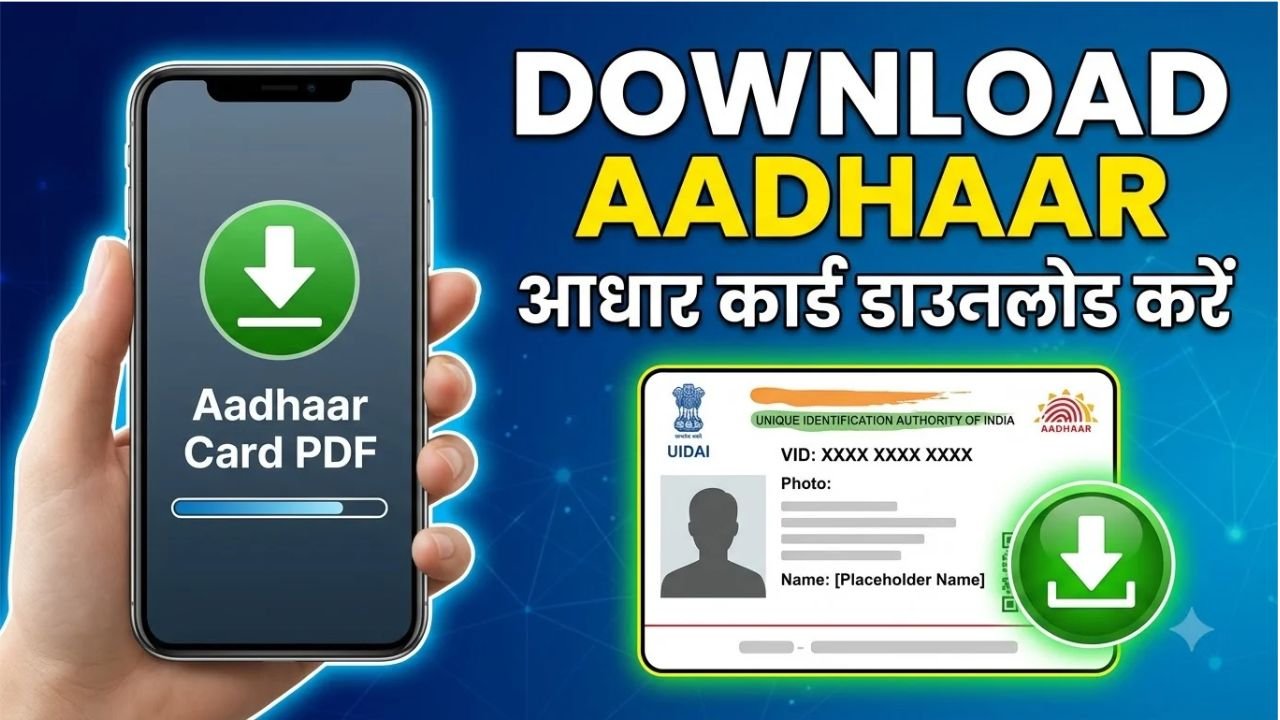
If you need a digital copy of your Aadhaar card, you can download e-Aadhaar online through the official UIDAI website or the Aadhaar App. You do not necessarily need to wait for the physical Aadhaar letter to arrive.
e-Aadhaar is a password-protected electronic copy of Aadhaar that is digitally signed by UIDAI. According to UIDAI, e-Aadhaar is equally valid as the physical Aadhaar copy for purposes where Aadhaar is accepted.
How to Download Aadhaar Online
The easiest way to download your Aadhaar is through the official MyAadhaar portal.
Step 1: Visit the Official UIDAI Website
Go to the official UIDAI website and open the Download Aadhaar service.
UIDAI’s MyAadhaar portal provides an online option for downloading e-Aadhaar.
Advertisements
Step 2: Enter Your Aadhaar Details
You can download e-Aadhaar using one of the identification options provided by UIDAI.
The available methods include:
Aadhaar Number
Enrolment ID
VID
Select the appropriate option and enter the requested details.
Step 3: Complete OTP Verification
After entering your details, you will need to complete the required verification.
The OTP is sent to the mobile number registered with your Aadhaar.
Enter the OTP on the portal to authenticate your request.
Step 4: Download Your e-Aadhaar
After successful verification, you can download your e-Aadhaar as a PDF file.
Save the file securely on your phone, computer or other personal device.
Advertisements
How to Download Aadhaar Using the Aadhaar App
UIDAI’s newer Aadhaar App also provides an e-Aadhaar download service. The app is available for Android and iOS devices.
After installing the app, you can register using your Aadhaar number and complete the required authentication. UIDAI currently lists several services in the app, including downloading e-Aadhaar, updating a mobile number, locking or unlocking biometrics and checking authentication history.
What Is the Password for the Downloaded Aadhaar PDF?
The downloaded e-Aadhaar PDF is password protected.
The password is generally made up of the first four letters of your name in CAPITAL letters followed by your year of birth.
For example, if the name is RAHUL SHARMA and the year of birth is 1995, the password would be:
RAHU1995
If your name contains fewer than four letters, use the available letters followed by your birth year.
Can I Download Aadhaar Without My Aadhaar Number?
Yes, UIDAI provides more than one method for downloading e-Aadhaar.
If you do not remember your Aadhaar number, you may be able to use your Enrolment ID (EID) or VID, depending on the service and verification options available.
Your Enrolment ID can be found on your Aadhaar enrolment or update acknowledgement document.
Can I Download Aadhaar Without a Mobile Number?
Online e-Aadhaar download requires the applicable OTP-based authentication, so having access to the mobile number registered with Aadhaar is important.
If you cannot receive OTPs or have another problem accessing your Aadhaar online, you can contact UIDAI or visit an authorised Aadhaar centre for assistance.
UIDAI’s helpline number is 1947.
What Is Masked Aadhaar?
UIDAI also provides Masked Aadhaar.
In a Masked Aadhaar, the first eight digits of the 12-digit Aadhaar number are replaced with xxxx-xxxx, while only the last four digits remain visible.
This can be useful when you need to provide an Aadhaar copy but do not need to display the complete Aadhaar number.
Is e-Aadhaar Valid?
Yes. UIDAI states that e-Aadhaar is an electronic copy of Aadhaar that is digitally signed by UIDAI and is equally valid as the physical copy of Aadhaar.
You can therefore keep the digital PDF on your device and print it when a physical copy is required.
Is Aadhaar Download Free?
Downloading e-Aadhaar through UIDAI’s online service is available through the official digital Aadhaar services.
Be careful with websites or individuals asking for your Aadhaar OTP, password or other sensitive information in exchange for downloading your Aadhaar.
Always use the official UIDAI website or official Aadhaar App.
What If My Aadhaar Details Are Incorrect?
If you notice an incorrect name, address or other Aadhaar information, do not simply download another copy and assume the problem has been fixed.
Use the appropriate Aadhaar update service provided by UIDAI. Depending on the type of information, an update may be completed online or may require a visit to an Aadhaar centre.
After an update request is completed, you can download the latest e-Aadhaar from the official portal.
Final Words
Downloading Aadhaar online is simple if your Aadhaar has already been generated and you have access to the required authentication method.
Visit the official UIDAI MyAadhaar portal, select the Aadhaar download service, enter your Aadhaar number, Enrolment ID or other supported details, complete OTP verification and download your e-Aadhaar PDF. You can also use the newer Aadhaar App, which currently supports e-Aadhaar download.
For security, always use official UIDAI services and never share your Aadhaar OTP with another person.