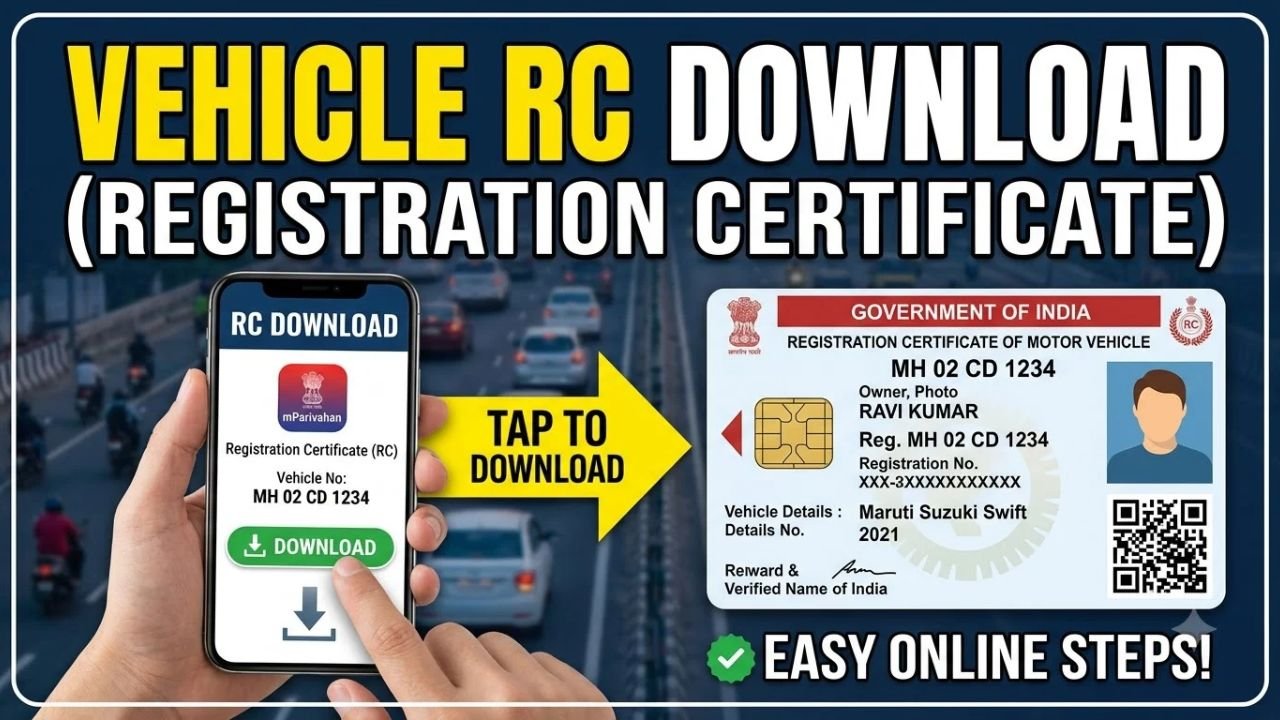
If you have lost your vehicle’s physical Registration Certificate or simply want a digital copy, you can access your RC online through government-supported digital services.
The Registration Certificate contains important details about your vehicle and its registered owner. You can access digital vehicle documents through services such as Parivahan, DigiLocker and the mParivahan app.
Advertisements
How to Download RC Online
Step 1: Visit the Parivahan Website
Go to the official Parivahan Sewa website operated by the Ministry of Road Transport and Highways.
From the available vehicle-related services, you can check your vehicle registration details and access applicable online services.
Step 2: Enter Your Vehicle Details
To check your vehicle information, you may need to enter your vehicle registration number along with other details requested by the portal.
Make sure you enter the registration number correctly.
If your vehicle details are available in the system, the relevant registration information can be displayed.
Step 3: Use DigiLocker or mParivahan for the Digital RC
For a digital copy of your RC, you can also use DigiLocker or the official mParivahan app.
After signing in and completing the required verification, you can access your vehicle’s digital registration document if it is available in the system.
Advertisements
Step 4: Access Your Digital RC
Once your vehicle is successfully linked, open the RC or vehicle document section.
You can view the digital RC and keep it available on your phone.
DigiLocker documents issued through the platform are digitally signed and can be used as digital documents where accepted by the relevant authorities.
Can I Download RC Using Only the Vehicle Number?
In many cases, the vehicle registration number can be used to retrieve vehicle-related information through Parivahan.
However, accessing a complete digital RC may require additional authentication or linking through DigiLocker or mParivahan.
If your vehicle information is not appearing, check that the registration number and other details are correct.
Can I Use a Digital RC?
Yes. Digital vehicle documents available through government-supported platforms such as DigiLocker and mParivahan can be used instead of carrying physical documents in situations where digital documents are accepted.
It is still a good idea to keep your original vehicle documents safely stored.
What If My RC Is Lost?
If your physical RC has been lost or damaged, you can check the applicable process for obtaining a duplicate RC through your state transport authority or Parivahan services.
The exact requirements and fees can vary depending on the state and the reason for requesting a replacement.
You may be asked to provide vehicle details, identity information and other documents.
What If My Vehicle Details Are Wrong?
If the information displayed for your vehicle is incorrect, contact the relevant Regional Transport Office (RTO) or transport authority.
Do not attempt to create another vehicle record or use incorrect information.
Corrections to registration details generally need to be processed through the appropriate transport authority.
Is RC Download Free?
Viewing or accessing vehicle information through government platforms may be free, but some vehicle services, certificates, corrections or duplicate RC requests can involve applicable government fees.
Always check the official Parivahan or state transport portal before making a payment.
Important Safety Tips
Use only official government platforms when accessing your vehicle documents.
Avoid websites that ask for unnecessary personal information or claim they can provide an official RC for an extra fee.
Never share OTPs, banking information or other sensitive details with unknown individuals.
Final Words
Downloading or accessing your vehicle RC online is convenient when you need a digital copy of your Registration Certificate.
Start with the official Parivahan Sewa portal and use your vehicle registration details to check your record. You can also use DigiLocker or mParivahan to access your digital vehicle documents.
If your RC has been lost, damaged or contains incorrect information, check the applicable service through your state transport authority or official Parivahan portal.